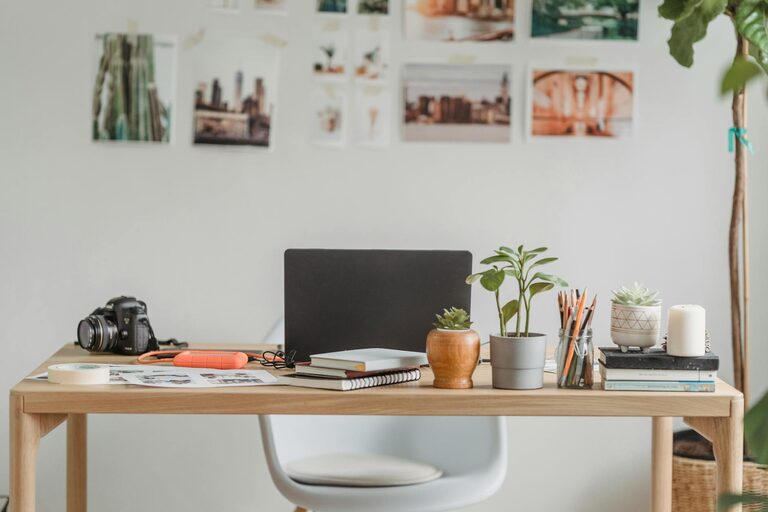
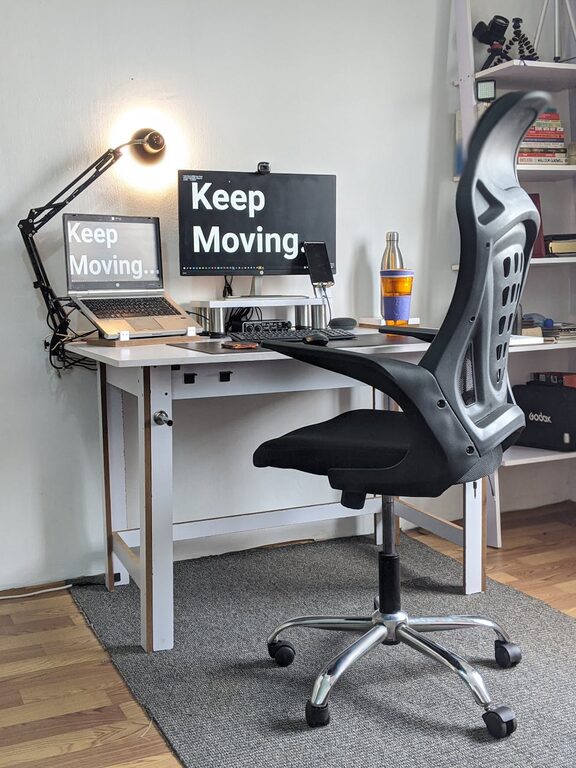
Creating a relaxing home workspace is key to maintaining productivity, especially when working remotely. A well-designed workspace helps reduce stress, keeps distractions at bay, and fosters a positive mindset. Whether you have a dedicated room or just a small corner, these tips can help you set up a comfortable and efficient environment that supports your work goals.
Why a Relaxing Workspace Matters
Your workspace influences how you feel and perform throughout the day. When your setup feels inviting and calming, you’re more likely to stay focused and motivated. Relaxation doesn’t mean being lazy—it means creating an environment that minimizes stress and allows your brain to work at its best.
Choose the Right Spot
Finding the best location in your home is the first step.
– Natural Light: Pick a space with plenty of natural light. Sunlight helps regulate your internal clock and boosts mood.
– Quiet Area: Choose a spot away from noisy household activities if possible.
– Space to Move: Make sure there’s enough room for your chair, desk, and any equipment or materials you regularly use.
Invest in Comfortable Furniture
Comfort can make or break your workday.
– Ergonomic Chair: Select a chair that supports your back and promotes good posture.
– Adjustable Desk: If possible, use a desk that allows you to switch between sitting and standing.
– Desk Surface: Ensure your desk has enough space to keep essentials organized without feeling cluttered.
Add Calming Elements
Small details can create a soothing atmosphere.
– Plants: Adding greenery can reduce stress and improve air quality.
– Soft Lighting: Use lamps and floor lights with warm tones instead of harsh overhead lights.
– Colors: Choose calming colors like blues, greens, or neutrals for your walls and accessories.
Keep It Organized
A cluttered workspace can lead to a cluttered mind.
– Storage Solutions: Use drawers, shelves, or organizers to keep papers and supplies tidy.
– Minimalism: Keep only what you need on your desk to reduce distractions.
– Cable Management: Use clips or cable boxes to keep wires neat and out of sight.
Personalize Your Space
Make your workspace feel uniquely yours.
– Inspirational Items: Place a few items that inspire you, such as artwork or motivational quotes.
– Comfort Items: Add a cozy throw or cushion to your chair.
– Scent: Consider a subtle air freshener or essential oil diffuser with calming scents like lavender or eucalyptus.
Establish Boundaries
To keep work and home life balanced, set clear boundaries.
– Define Work Hours: Set a schedule and stick to it as much as possible.
– Separate Space: When work is done, physically leave the workspace if possible.
– Communicate: Let household members know when you need quiet time.
Use Technology Wisely
Technology can enhance or hinder productivity.
– Noise-Canceling Headphones: Great for blocking background noise.
– Blue Light Filters: Reduce eye strain by using screen filters or glasses.
– Task Management Apps: Keep your tasks organized with apps like Trello or Asana.
Take Breaks and Move
Even in a perfect workspace, sitting too long isn’t good for relaxation or productivity.
– Scheduled Breaks: Use techniques like the Pomodoro method—work for 25 minutes, then take a 5-minute break.
– Physical Activity: Stretch, walk around, or do light exercises during breaks to refresh your mind and body.
– Mindfulness: Try quick breathing exercises or meditation to stay calm during busy days.
Final Thoughts
Designing a relaxing home workspace doesn’t have to be complicated or expensive. By choosing the right location, investing in comfort, adding calming touches, and maintaining organization, you can create a space that supports your productivity and well-being. Remember, the goal is to foster an environment where you feel relaxed and ready to tackle your work challenges effectively.
Happy working!